
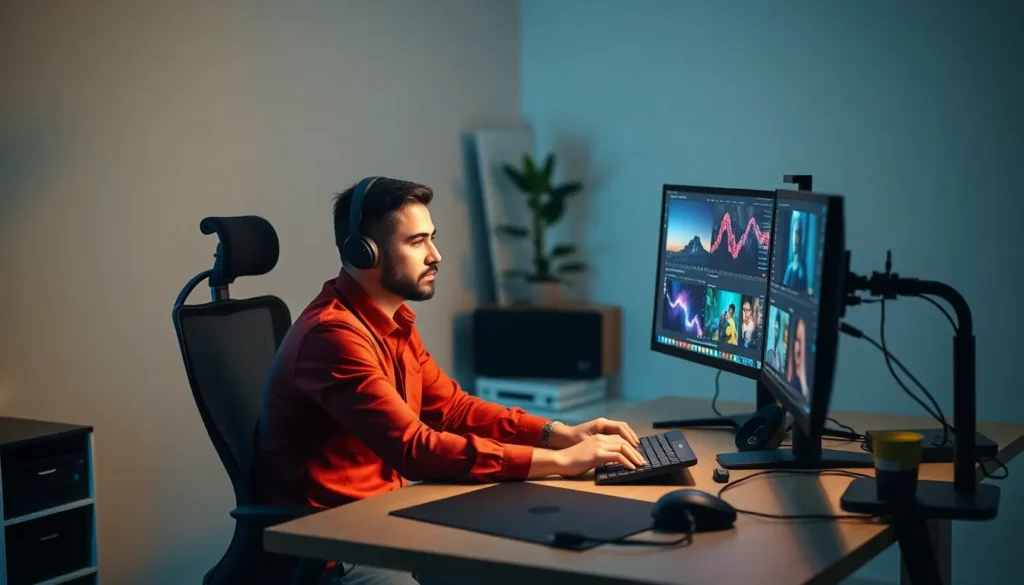
In today’s fast-paced digital world, maximizing productivity is essential. A dual monitor setup has become a game-changer for many professionals, offering a seamless way to enhance workflow and efficiency. By expanding screen real estate, users can multitask effortlessly, switching between applications without the hassle of constant tabbing.
Imagine having your email open on one screen while drafting a report on the other. This setup not only streamlines tasks but also reduces eye strain by allowing for better organization of workspaces. Whether you’re a designer, programmer, or remote worker, a dual monitor configuration can elevate your working experience to new heights.
Benefits of Dual Monitors Setup
The dual monitor setup offers significant advantages in a digital work environment, particularly in enhancing productivity and multitasking capabilities. This configuration caters to various professionals and activities.
Increased Productivity
Increased screen real estate simplifies workflows. Users can view multiple applications simultaneously, minimizing time wasted on switching between tabs or windows. Research indicates that dual monitor users can experience a productivity boost of up to 20-30%. Tasks such as data entry, research, and content creation become more efficient as users have access to necessary information at a glance. For instance, a financial analyst can view spreadsheets on one screen while monitoring market trends on another, leading to quicker decision-making.
Enhanced Multitasking
Enhanced multitasking capabilities arise from the dual monitor setup. Users can run applications side by side, which allows for streamlined task management. For example, a graphic designer can edit images while simultaneously referencing design guidelines, reducing errors. Additionally, remote workers benefit from increased organization, as communication tools can remain open on one screen while tasks are completed on the other. The setup supports simultaneous email management, video conferencing, and project tracking, ensuring users remain focused and organized.
Choosing the Right Monitors
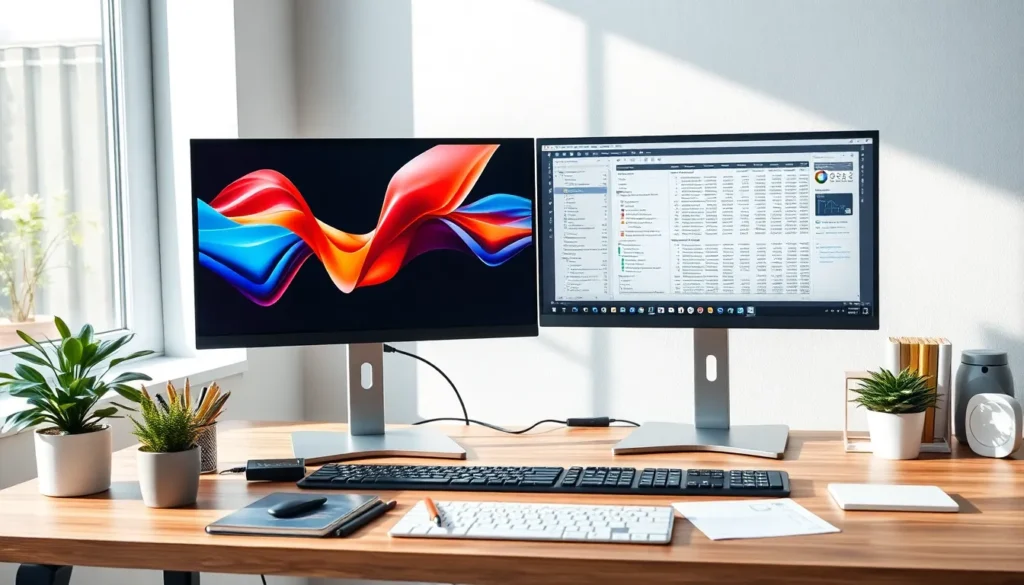
Selecting suitable monitors plays a crucial role in maximizing the advantages of a dual monitor setup. Key factors include size, resolution, and panel types, which together influence the overall user experience.
Size and Resolution
Choosing monitor size significantly impacts visibility and comfort. Common sizes range from 24 inches to 32 inches, with 27 inches being a popular option for many users. Larger monitors provide more screen real estate for multitasking.
Resolution matters in clarity. Full HD (1920×1080) provides a standard experience, while Quad HD (2560×1440) or 4K (3840×2160) offers sharper images. High resolution enables better detail in graphics, which is vital for tasks like design or data analysis. Users should match the resolution of both monitors for a seamless experience.
Panel Types
Selecting the right panel type affects color accuracy and viewing angles. The main panel types include:
- IPS (In-Plane Switching): Offers superior color reproduction and wide viewing angles. Ideal for designers and professionals requiring precise color accuracy.
- VA (Vertical Alignment): Provides good contrast ratios and decent color reproduction. Suitable for general use and media consumption.
- TN (Twisted Nematic): Known for fast response times, making it suitable for gaming. However, color reproduction and viewing angles are limited compared to IPS.
Understanding panel types helps users choose monitors that fit their specific work needs, enhancing productivity in a dual monitor setup.
Setting Up Your Dual Monitors
Setting up dual monitors involves understanding both hardware and software components to achieve an optimal configuration. This ensures a seamless and productive workspace.
Hardware Requirements
Selecting the right hardware for a dual monitor setup is crucial. Users require at least one compatible graphics card, capable of supporting multiple displays. Many modern graphics cards, whether integrated or dedicated, feature multiple output ports such as HDMI, DisplayPort, or DVI. Additionally, monitor stands or mounts may be necessary to arrange displays ergonomically, promoting comfort and reducing eye strain. Users should also consider the cables required for connection; HDMI or DisplayPort cables typically provide the best video quality.
Software Configuration
Configuring software settings is vital for efficient dual monitor usage. Most operating systems recognize dual monitors automatically, allowing users to easily adjust display settings. Users can access display settings to choose the primary monitor, change orientation, and set resolution. For specific tasks, software tools facilitate window management; applications like DisplayFusion or Dual Monitor Tool enhance multitasking by allowing easy movement of windows between screens. Users should also ensure that any design or programming software they rely on supports dual monitor functionality, maximizing productivity with an expanded workspace.
Tips for Effective Use
Harnessing the full potential of a dual monitor setup can significantly improve productivity and efficiency. Below are strategies for optimizing screen space and managing workflows effectively.
Optimizing Screen Real Estate
Utilizing screen space effectively allows users to maximize their dual monitor benefits.
- Set Up Display Arrangement: Position monitors to minimize head movement. Place the main monitor directly in front and the secondary monitor adjacent to it for easy access.
- Adjust Resolution Settings: Ensure both monitors use the same resolution to create a uniform experience. Adjust scaling settings to maintain readability across screens.
- Utilize Virtual Desktops: Leverage virtual desktops to organize tasks. For instance, isolate projects on one desktop and communication tools on another, streamlining focus.
- Experiment with Monitor Orientation: Consider using one monitor in portrait mode for tasks like reading or coding, optimizing the view for vertical content.
- Use Window Snapping Features: Apply built-in OS features that snap windows into halves or quarters. This organization makes it easier to work with several applications simultaneously.
Managing Workflows
Effective workflow management can significantly enhance productivity in a dual monitor setup.
- Organize Applications Strategically: Designate specific applications for each monitor. For example, utilize one screen for spreadsheets while monitoring emails or chat applications on the other.
- Employ Task Management Software: Utilize tools like Trello or Asana for project tracking. Keeping these applications open on one monitor maintains visibility on deadlines and tasks.
- Leverage Collaboration Tools: Keep communication tools open on the secondary monitor. This process facilitates seamless collaboration without interrupting primary tasks.
- Establish Consistent Work Patterns: Develop routines for task management, such as allocating certain times for specific applications on each monitor, improving focus and efficiency.
- Utilize Keyboard Shortcuts: Learn keyboard shortcuts for switching applications or managing windows, reducing the time spent navigating screens.
These strategies enhance the dual monitor experience, simplifying multitasking and maximizing output.
Embracing a dual monitor setup can transform the way individuals approach their work. By providing ample screen space and enhancing multitasking capabilities, this configuration empowers users to tackle tasks with greater efficiency. The right monitors paired with effective organization strategies can lead to significant productivity gains.
As technology continues to evolve, investing in a dual monitor setup is a smart choice for anyone looking to optimize their workspace. With the right adjustments and tools, users can create a streamlined environment that fosters creativity and efficiency. Ultimately, the benefits of a dual monitor setup extend beyond mere convenience, making it an invaluable asset in today’s fast-paced digital landscape.


